In development
Mia
Budget Buddy
Mia makes money friendly.
Your budget buddy who chats, advises, celebrates your wins and helps you reach every goal. Structure without shame, for people who've tried budgeting before.
every dollar gets a job ✓

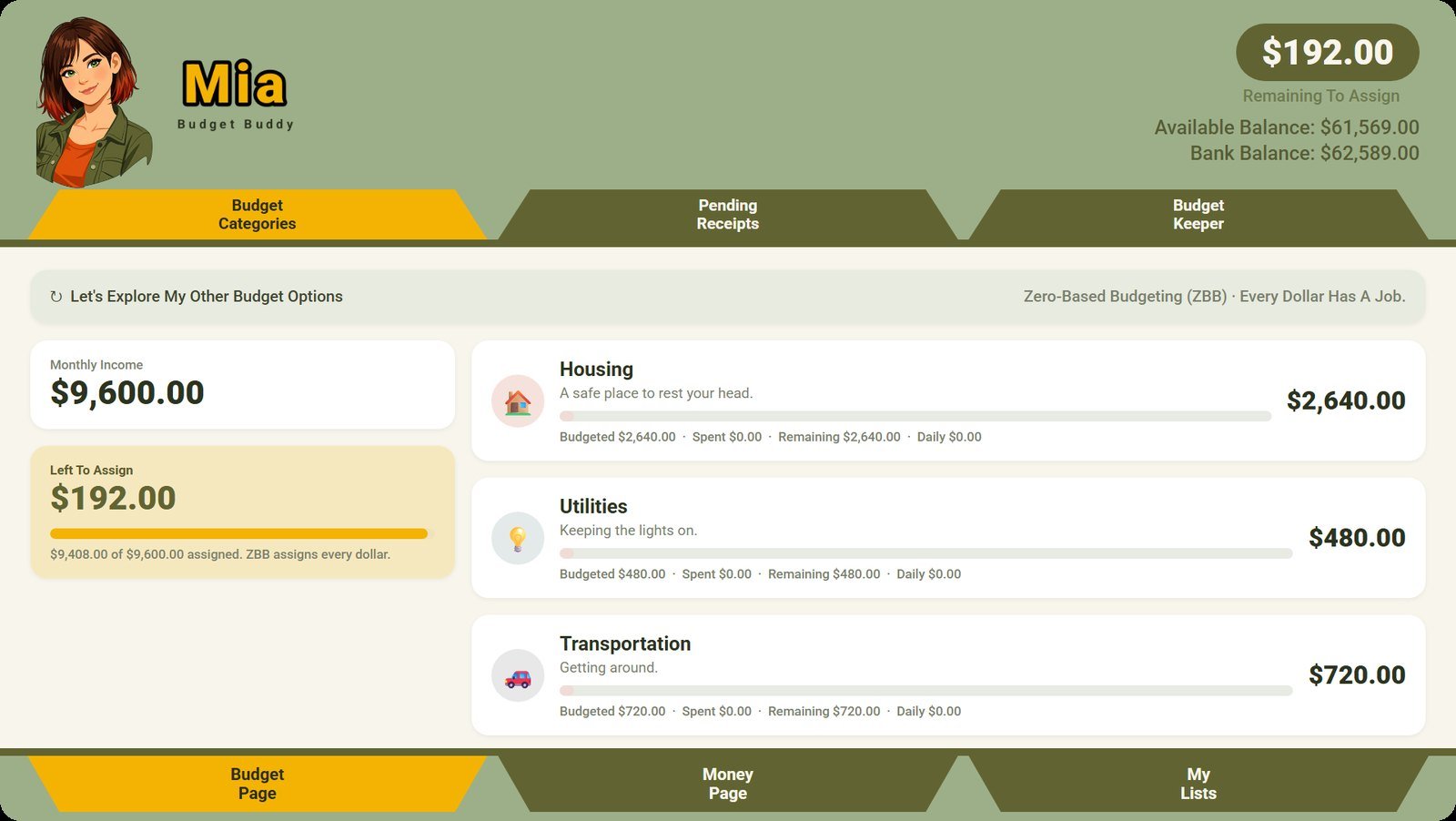
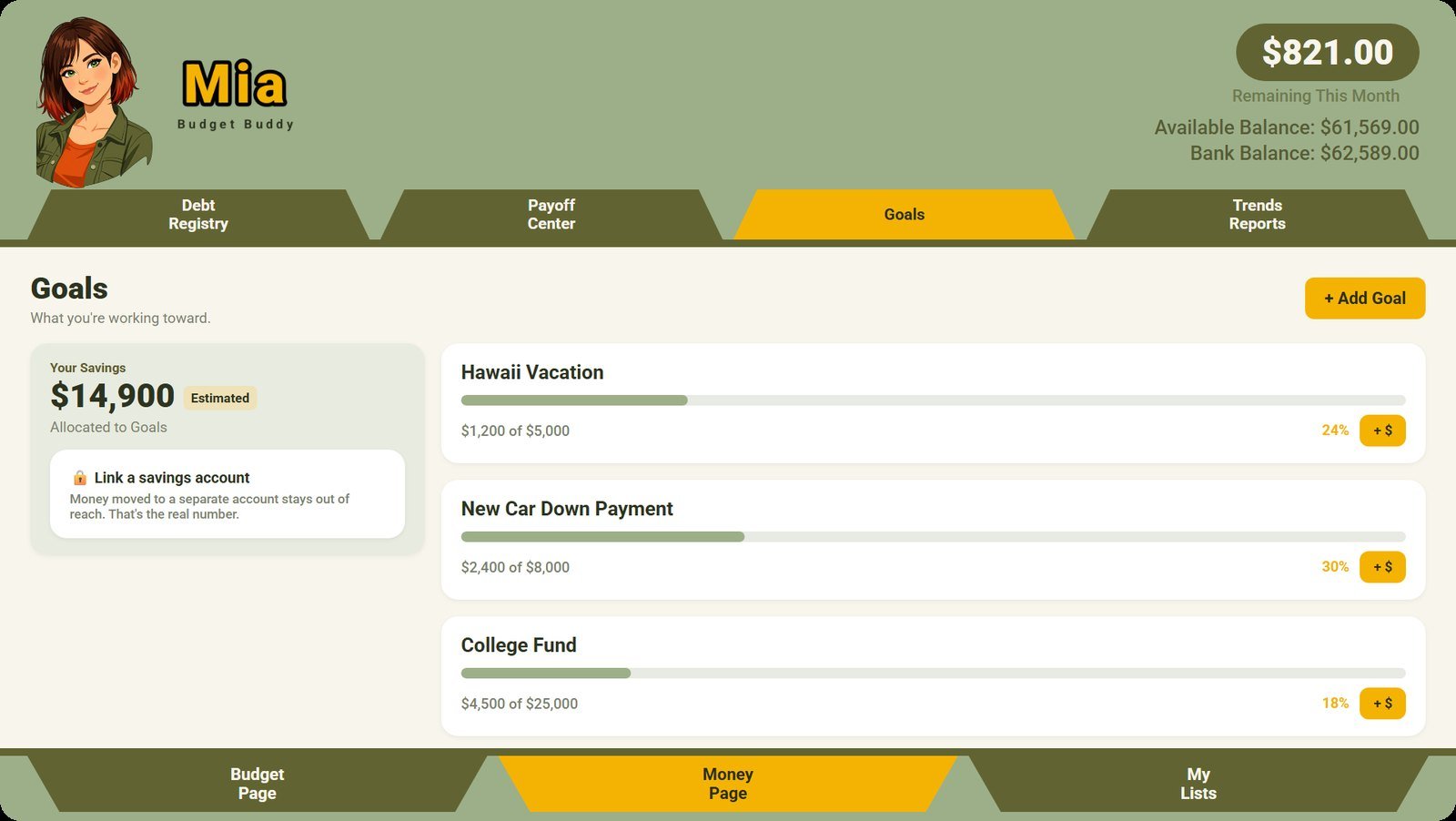
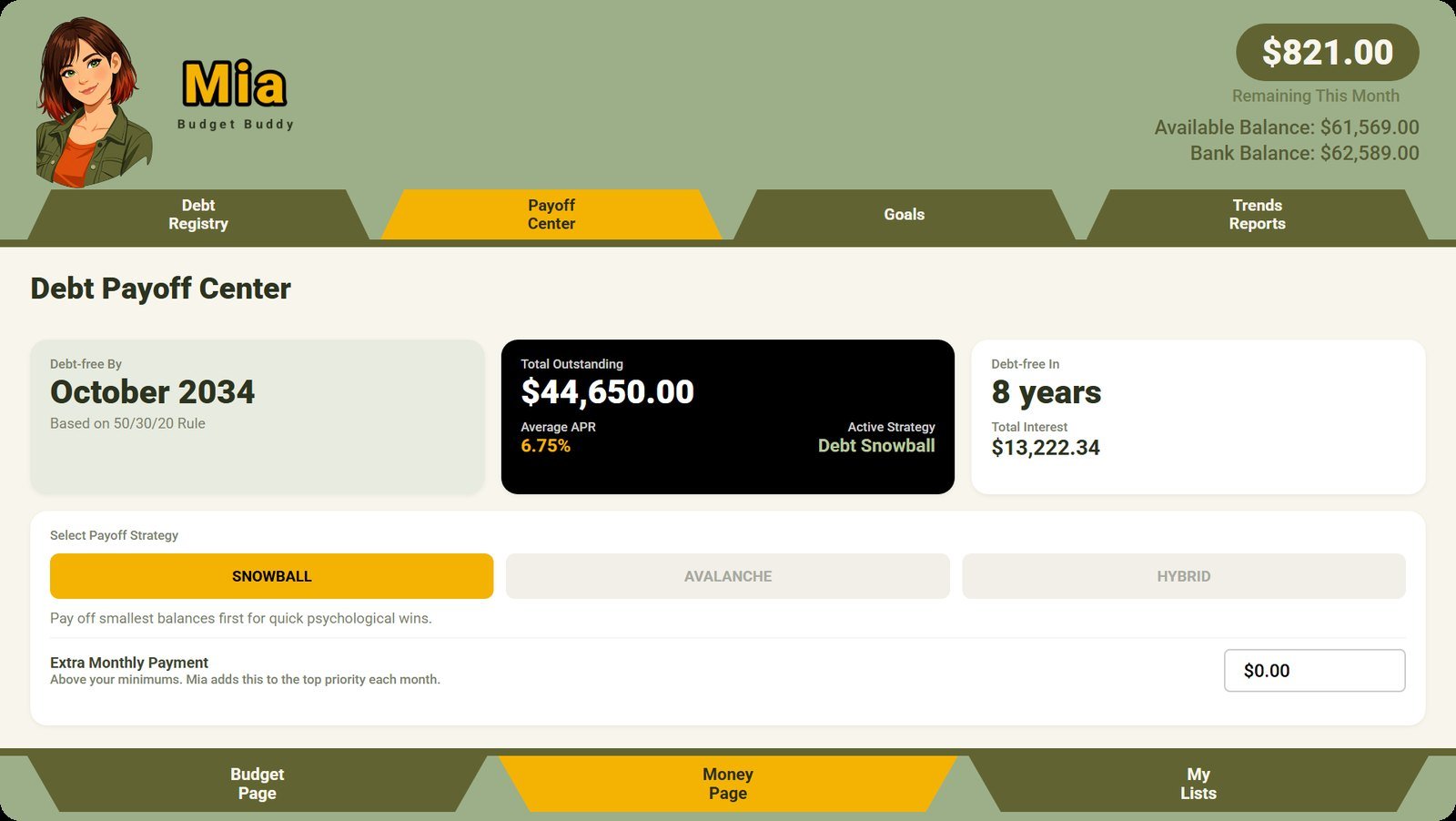
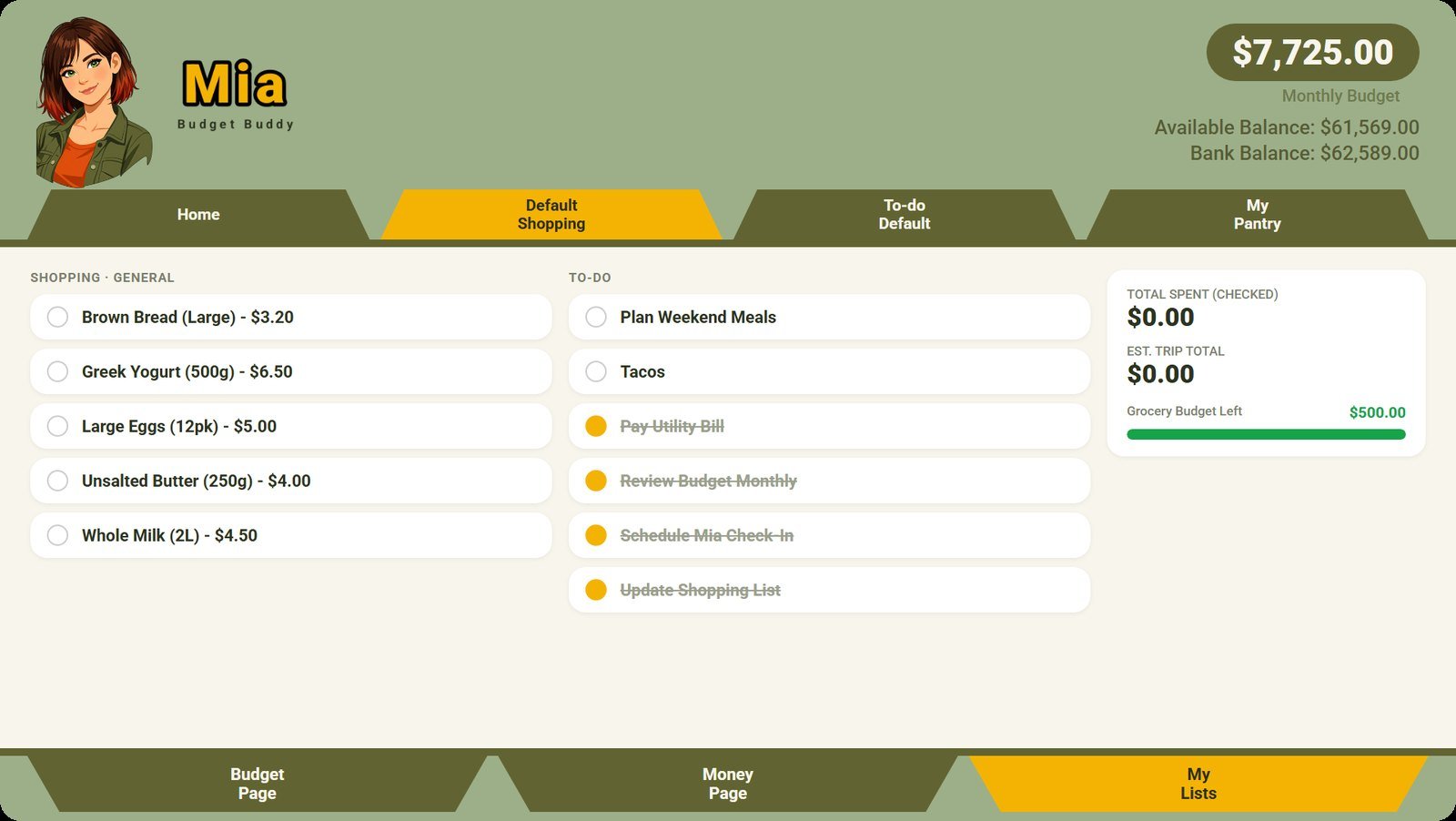
What Mia does
Everything Mia is built to do for your household money.
Feature
Six ways to budget
- Zero-Based, 50/30/20, Digital Envelope
- Pay-Yourself-First, Values-Based, Debt-Crusher
- Your own categories, with icons
- A one-page overview of it all
Feature
The Payoff Center
- Every debt in one registry
- Snowball, Avalanche or Hybrid
- "Debt-free by" your month, and how far ahead you are
- Print your payoff plan
Feature
Goals that celebrate
- Envelopes for each goal
- Mia cheers at 25, 50, 75 and 100%
Feature
Snap it, say it
- Capture a receipt by camera or voice
- Mia reads it and files it
- She learns which store goes in which category
Feature
Lists and recipes
- Shopping, To-Do and Pantry lists
- Recipes that scale and convert units
- Read a recipe from a photo
Feature
Reports and forecasts
- Trends, Method, Forecast and Insights
- What-if scenarios
- A printable report with Mia's notes
Feature
Mia, out loud
- An animated buddy with her own voice
- Gentle nudges, never a lecture
- A guided tour when you're new
Feature
Your bank, linked
- Transactions come in on their own
- You never share your bank password with us
Feature
Mia on your PC, and for two
- A full Windows version
- Share a budget with your household
Budgeting as a gentle conversation.
Mia is for the days your motivation is low. She keeps the numbers clear and the tone kind, so you keep going.